
LobbySpace September Update: PowerPoint upload, flexible scheduling, and a streamlined slide editor
Our September update brings you many of the features you’ve requested. You can now get PowerPoint slides onto your screens in just a few clicks, schedule content with greater precision, and keep a better eye on your displays. Here is an overview of all the new features.
PowerPoint slides directly on your screen
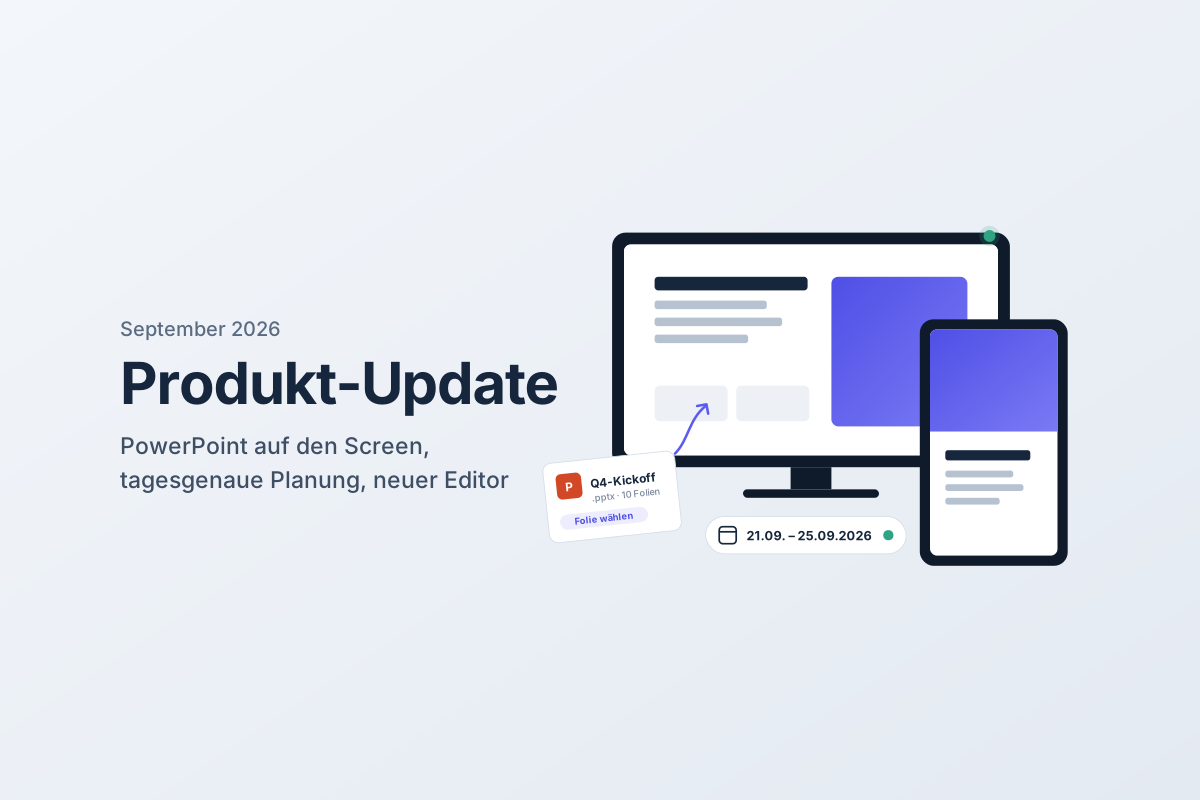
Many teams already have their content in PowerPoint—weekly schedules, KPIs, welcome slides. Previously, this meant exporting, cropping, and uploading. That’s over now. Included in every PRO and ENTERPRISE package.
With the new PowerPoint app you can upload your .pptx file directly in the slide editor. LobbySpace automatically converts the first ten slides; you simply select the one you want and publish it like any other slide. You can add more slides at any time with another upload.
Tip: Create your presentation in the aspect ratio of your screen (16:9 for landscape, 9:16 for portrait) for a perfect, edge-to-edge fit.
Schedule content down to the day
Slide scheduling is now much more flexible:
- A single day or a specific period: You decide whether a slide runs on a single day or over a defined period. It’s perfect for daily specials, events, or campaigns with a fixed start and end date.
- Reset date: Dates can be reset with a single click—no need to recreate the slide.
- Republish archived slides: A slide with an expired date moves to the archive. From there, you can set it back to "published" at any time. LobbySpace will alert you to the past date so that nothing outdated ends up on your screen.
Better overview of your screens
If you manage multiple displays, you need to know quickly when one goes down. In the screens overview, you can now see at a glance when a screen was last online. Offline screens are no longer hidden; they are displayed directly in the list, allowing you to spot issues before your visitors do.
A streamlined slide editor
The slide editor has received a facelift. The most important changes:
- The upload button for images and videos is now centered on the canvas.
- The toggle between landscape and portrait mode is now positioned above the center of the canvas, making it instantly accessible.
- Portrait templates are scaled more appropriately and are easier to edit.
- A new preview shows your slide in both portrait and landscape before you publish.
- Softer shadows and rounded corners create a cleaner, more balanced look.
- Webview slides now display the linked URL directly in the thumbnail—handy if you manage multiple webviews.
Organize teams clearly
For companies with multiple locations or departments, sub-teams and sub-sub-teams are now clearly displayed in the interface. This allows you to map nested organizational structures while maintaining control over who manages which screens.
Available now
All new features are already active in your LobbySpace account—no update required. Log in and try out the PowerPoint app right away.
Do you have questions or ideas for future updates? Send us a message—your feedback goes directly into our roadmap.
You can find a detailed overview of our changelogs here.