
Create a virtual info screen now - live in 3 seconds
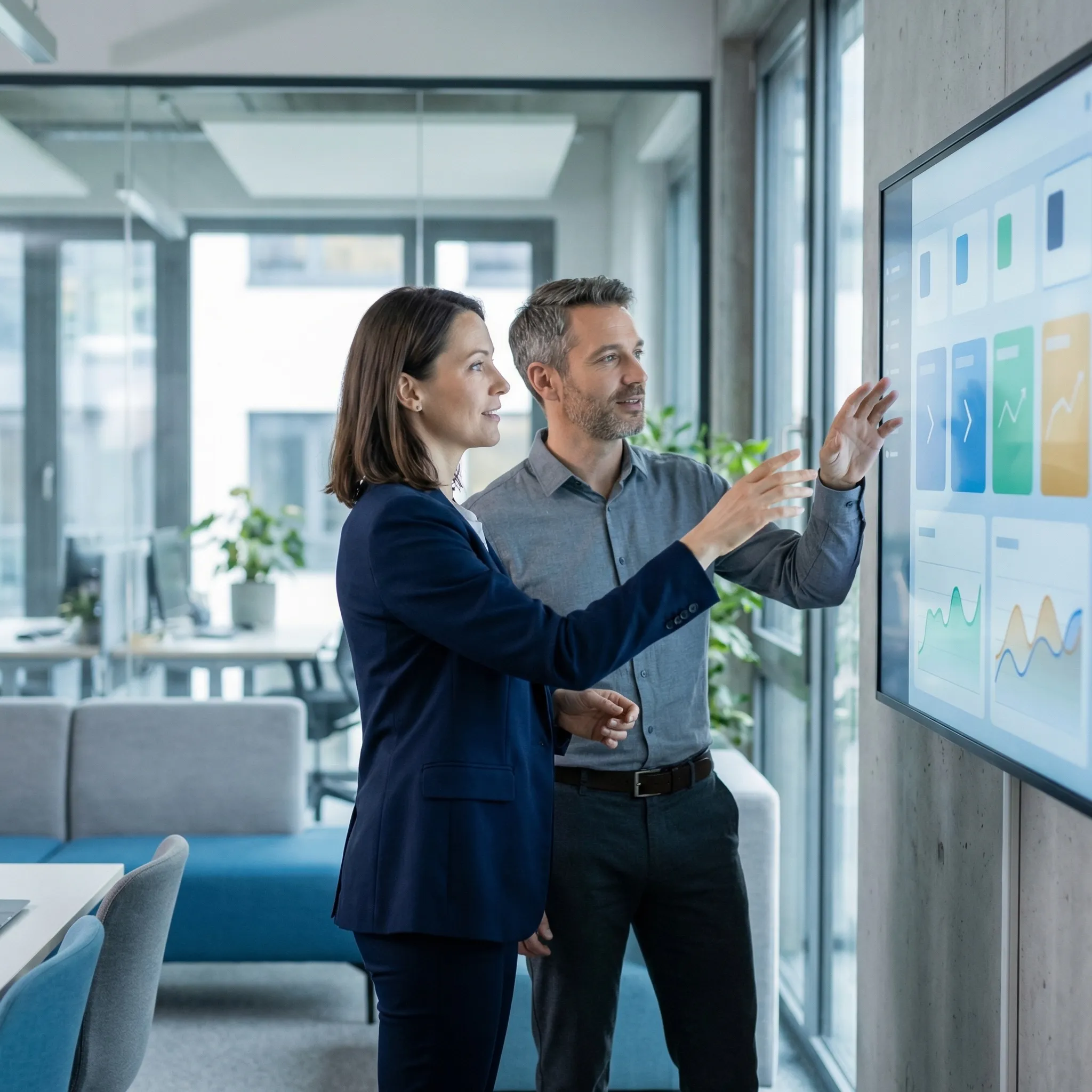
In just a few seconds, see what your brand could look like on an info screen. With our new info screen preview, you can test your content live — without registration.
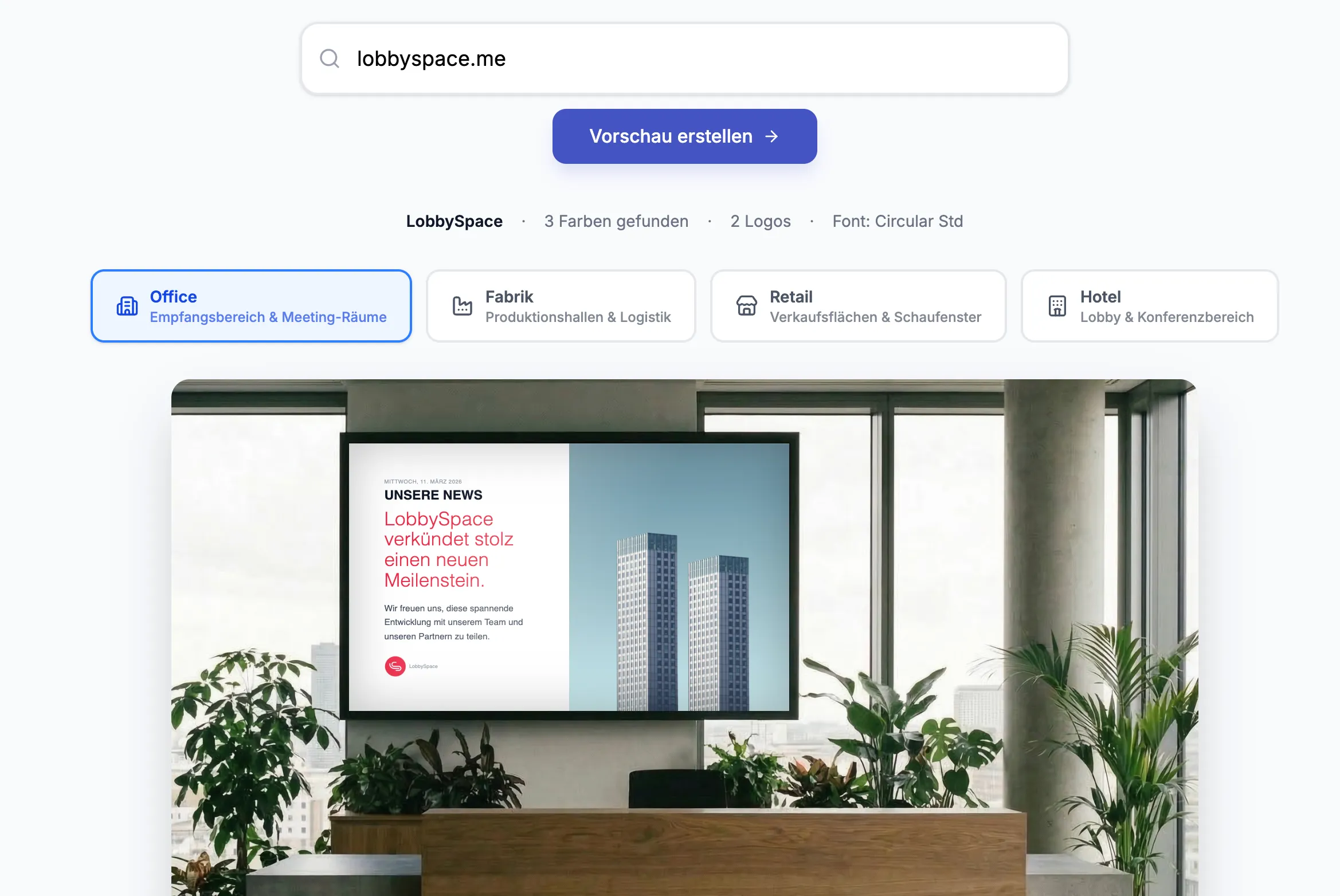
With our new info screen preview, you can now try out exactly that in just a few seconds.
You simply enter your website and immediately see how content, logo, and layout could be displayed on a digital screen.
Start infoscreen generator now
Why we created this feature
Many companies are interested in digital signage, but first they have a simple question:
What would that look like for us in practice?
Instead of looking at long examples or booking a demo, we wanted to create an easy way to answer that question right away.
With the new preview, you can immediately see:
- How your content looks on an info screen
- How your branding is displayed on large displays
- What information could look like for employees or visitors
And that without registration.
This is how the info screen preview works
The use is deliberately kept simple.
- Type your website in the input box
- Our preview automatically generates content
- You are viewing a simulation of an info screen
In just a few seconds, you'll get a first idea of how your content looks on digital displays.
Typical areas of application for info screens
Companies use Infoscreen software today in many areas.
Internal communication
- company news
- HR information
- events
- Staff updates
Production and logistics
- Safety instructions
- Shift information
- Key figures
- operational notes
Reception and visitor areas
- Welcome screens
- Visitor information
- signposts
- company news
The preview helps you visualize these scenarios directly with your own content.
Why Digital Signage Software is becoming increasingly important
Many companies face a similar problem:
Information is often communicated via e-mail or notices — but not all employees receive it.
Employees without a fixed PC workstation in particular often do not see important information at all.
Info screens solve this problem by visibly displaying information where employees actually pass by:
- entrance areas
- production halls
- break rooms
- canteens
Test the infoscreen preview for yourself
If you want to see what your content might look like on an info screen, you can try out the preview right away.
It only takes a few seconds and works without registration.
What happens after the preview?
The preview serves as a first impression.
If you want to see what a complete setup with multiple screens and locations could look like, we can analyze your project together.
In doing so, we clarify, for example:
- number of screens
- sites
- Content and playback
- Roles and Governance
On this basis, we create a transparent project calculation.
conclusion
With the new info screen preview, we want to make it easier to get started with digital signage. Instead of imagining what an info screen might look like, you can now try it out with your own content — with your logo, font, and corporate colors.
Emphasize your product's unique features or benefits to differentiate it from competitors
In nec dictum adipiscing pharetra enim etiam scelerisque dolor purus ipsum egestas cursus vulputate arcu egestas ut eu sed mollis consectetur mattis pharetra curabitur et maecenas in mattis fames consectetur ipsum quis risus mauris aliquam ornare nisl purus at ipsum nulla accumsan consectetur vestibulum suspendisse aliquam condimentum scelerisque lacinia pellentesque vestibulum condimentum turpis ligula pharetra dictum sapien facilisis sapien at sagittis et cursus congue.
- Pharetra curabitur et maecenas in mattis fames consectetur ipsum quis risus.
- Justo urna nisi auctor consequat consectetur dolor lectus blandit.
- Eget egestas volutpat lacinia vestibulum vitae mattis hendrerit.
- Ornare elit odio tellus orci bibendum dictum id sem congue enim amet diam.
Incorporate statistics or specific numbers to highlight the effectiveness or popularity of your offering
Convallis pellentesque ullamcorper sapien sed tristique fermentum proin amet quam tincidunt feugiat vitae neque quisque odio ut pellentesque ac mauris eget lectus. Pretium arcu turpis lacus sapien sit at eu sapien duis magna nunc nibh nam non ut nibh ultrices ultrices elementum egestas enim nisl sed cursus pellentesque sit dignissim enim euismod sit et convallis sed pelis viverra quam at nisl sit pharetra enim nisl nec vestibulum posuere in volutpat sed blandit neque risus.
Use time-sensitive language to encourage immediate action, such as "Limited Time Offer
Feugiat vitae neque quisque odio ut pellentesque ac mauris eget lectus. Pretium arcu turpis lacus sapien sit at eu sapien duis magna nunc nibh nam non ut nibh ultrices ultrices elementum egestas enim nisl sed cursus pellentesque sit dignissim enim euismod sit et convallis sed pelis viverra quam at nisl sit pharetra enim nisl nec vestibulum posuere in volutpat sed blandit neque risus.
- Pharetra curabitur et maecenas in mattis fames consectetur ipsum quis risus.
- Justo urna nisi auctor consequat consectetur dolor lectus blandit.
- Eget egestas volutpat lacinia vestibulum vitae mattis hendrerit.
- Ornare elit odio tellus orci bibendum dictum id sem congue enim amet diam.
Address customer pain points directly by showing how your product solves their problems
Feugiat vitae neque quisque odio ut pellentesque ac mauris eget lectus. Pretium arcu turpis lacus sapien sit at eu sapien duis magna nunc nibh nam non ut nibh ultrices ultrices elementum egestas enim nisl sed cursus pellentesque sit dignissim enim euismod sit et convallis sed pelis viverra quam at nisl sit pharetra enim nisl nec vestibulum posuere in volutpat sed blandit neque risus.
Vel etiam vel amet aenean eget in habitasse nunc duis tellus sem turpis risus aliquam ac volutpat tellus eu faucibus ullamcorper.
Tailor titles to your ideal customer segment using phrases like "Designed for Busy Professionals
Sed pretium id nibh id sit felis vitae volutpat volutpat adipiscing at sodales neque lectus mi phasellus commodo at elit suspendisse ornare faucibus lectus purus viverra in nec aliquet commodo et sed sed nisi tempor mi pellentesque arcu viverra pretium duis enim vulputate dignissim etiam ultrices vitae neque urna proin nibh diam turpis augue lacus.